Key features and benefits:
|
|
Key Features and benefits
|
|
|
|
|
Modeling |
|
|
-
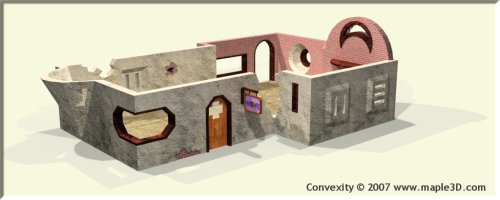
Construct buildings with ease by drawing walls
and clicking in doors and windows.
-
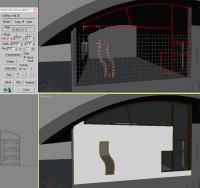
Draw on the sides of walls to form custom
objects such as doors, windows, arches, cracks etc..
|
|
-
Create complex roofs easily using
Convexity's wall conform tool.
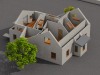
-
Creates all objects as standard meshes, so
all of 3ds max's or viz's modifiers and exporters can be used with
them.
-
Floors and ceilings are created at the
click of a button.
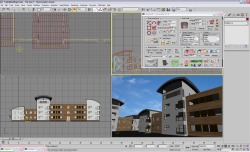
-
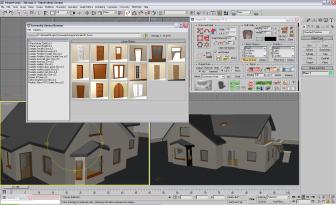
Prefabs. These pre-made objects such as
furnishings etc. can be clicked in from a browser window which
displays them as thumbnail images. Prefabs can be represented in
different ways: Symbols, Game Compatible and High Detail, which can
easily be switched between depending on the task.
-
Easily modify the shapes of rooms and walls
with advanced wall editing tools.
|
|
|
Workflow |
|
|
-
Fastest convex solid geometry (CSG) modeler on
the market.
-
Runs third party compile tools for game
engines. Automatically runs Map2DifPlus for the Torque game engine.
-
Includes exporters for the .map, .vmf and 3D Game
Studio A6/A7 (.wmp) formats.  UVW
Mapping is fully supported. UVW
Mapping is fully supported.
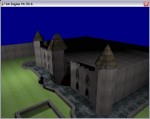
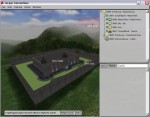
-
 Custom file format opens new possibilities by
allowing data to easily be passed between new and old versions of
3ds max®, 3ds max Design® or Viz®. Custom file format opens new possibilities by
allowing data to easily be passed between new and old versions of
3ds max®, 3ds max Design® or Viz®.
|
|
-
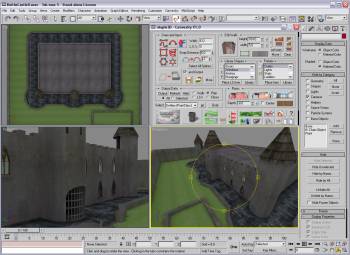
Smooth workflow. Produce professional
levels or visualizations and bring them straight into a game engine without ever
leaving the 3ds max® or viz® environment.
-
Advanced Configuration. Easily configure
Convexity to work with different applications and share
configurations with team members.
-
Isolation Manager. Easily Isolate areas of
your scene to speed up viewport performance and manage large data
sets.
|
|
To see all of Convexity's features click the links below.
All Architectural Design Features |
All Level
Design Features |